
How to Start a Live Show on FapChat?
FapChat helps users discover live cam models, browse categories, and access live shows through the Jerkmate ecosystem.
Something many new users don’t realize is that while model discovery begins on FapChat, live shows and account services are handled through JerkmateLive. Once you’ve created an account and signed in, you can start exploring available live shows and interact with performers in real time.
Follow the steps below to get started.
Step 1: Sign In to Your Account
Before accessing live shows, sign in to your account.
If you don’t already have an account, follow our guide on how to join FapChat and complete the registration process through JerkmateLive.
Once you’re signed in, you’ll be able to browse available models and access additional platform features.
Step 2: Browse Available Models
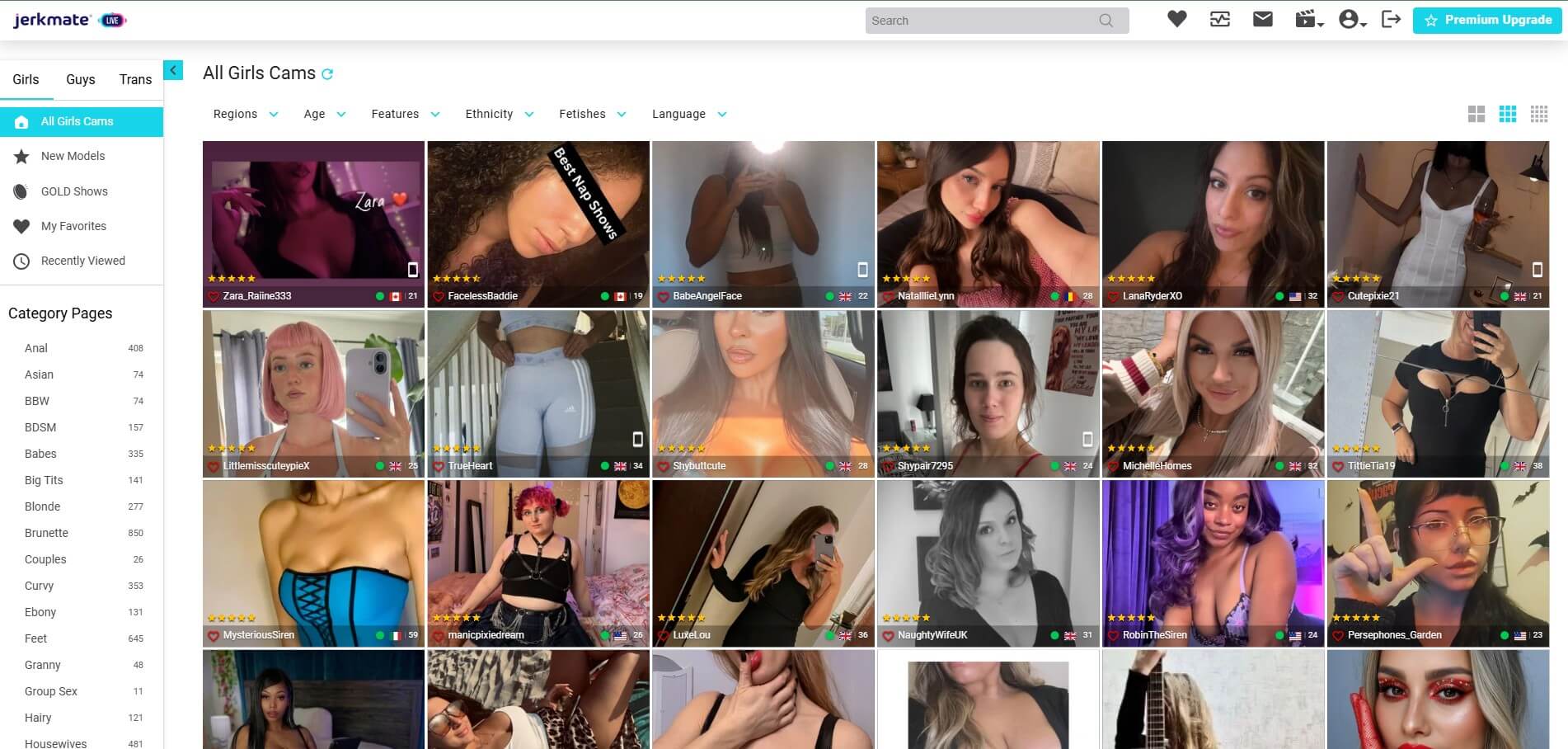
After signing in, browse the available model listings and categories.
When you find a performer you’d like to watch, open their profile to learn more and access any available live broadcasts.
Different performers may offer different experiences depending on their availability.
Step 3: Enter the Live Show
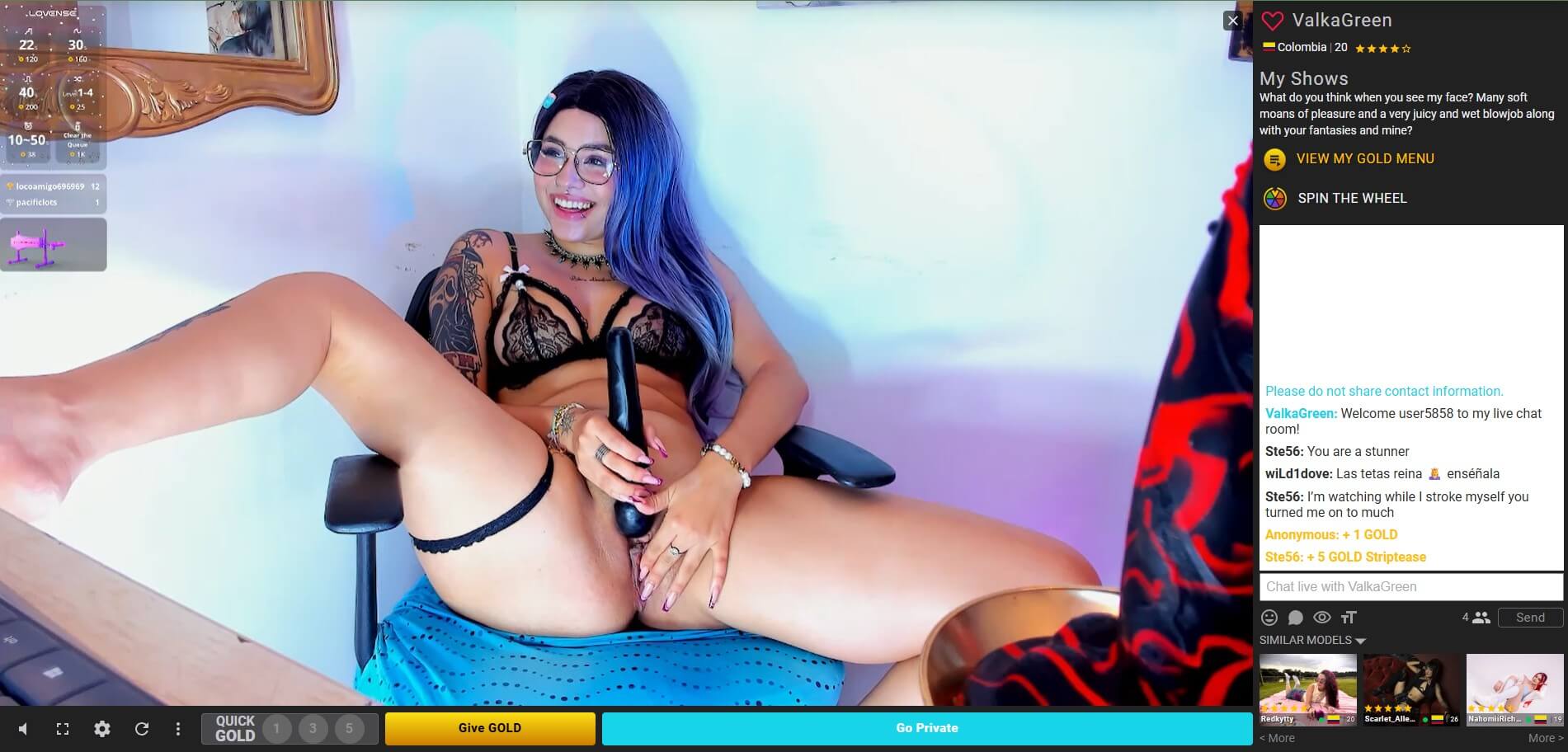
Once you select a model, you’ll be taken to the live viewing area.
Depending on the model’s current status, you may be able to:
- Watch a live broadcast
- Participate in public chat
- View profile information
- Explore available interaction options
- The exact features available may vary from one performer to another.
Step 4: Interact During the Show
After entering the live show, you can engage with the experience using the features available on the platform.
- Depending on the show and the performer’s preferences, this may include:
- Sending messages
- Participating in public chat
- Supporting performers through available interaction features
- Accessing additional viewing options
Available features may vary between performers and live sessions.
Why Does FapChat Redirect to JerkmateLive?
Many users notice that they are redirected to JerkmateLive when signing in or accessing certain features.
This is expected.
FapChat focuses on helping users discover models, browse profiles, and navigate available content. Account registration, account management, and live cam services are handled through Jerkmate’s infrastructure.
As a result, live shows accessed through FapChat are powered through JerkmateLive rather than directly through FapChat.
What Do You Need Before Watching a Live Show?
Before accessing live shows, make sure that:
- You have successfully created an account.
- You are signed in.
- You are using a supported browser or device.
- Your internet connection is stable.
Most users can begin exploring live shows immediately after registration.
Ready to Explore Live Shows?
Once you’re signed in, simply browse available models, choose a performer, and enter a live show to begin exploring the platform.
FapChat makes it easy to discover models and access live cam experiences powered by JerkmateLive.